- This event has passed.
The Ultimate Spring Sports Audio Guide
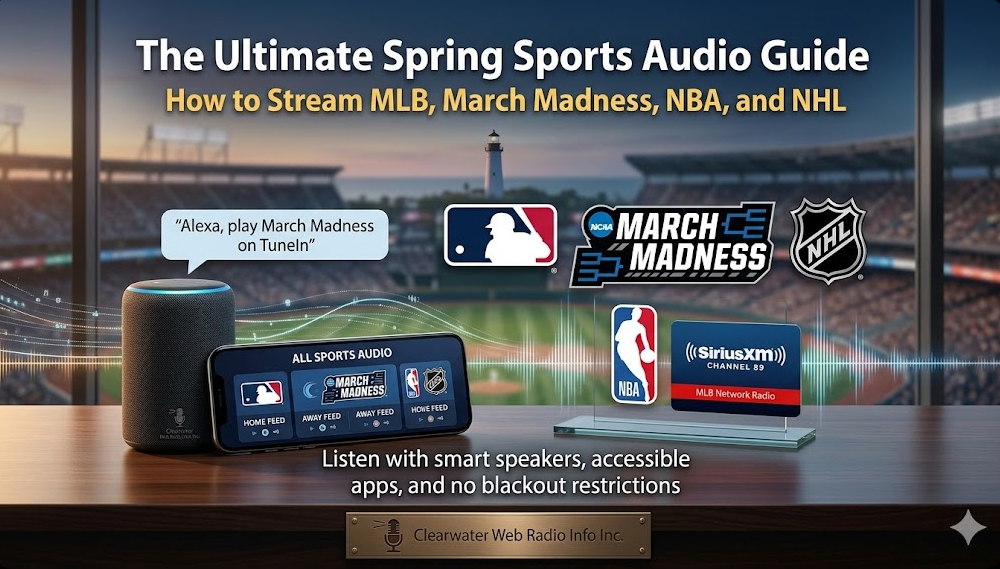
How to Stream MLB, March Madness, NBA, and NHL
This week brings a rare collision across the sports calendar.
Starting Thursday, March 26, four major events overlap:
- MLB Opening Day
- The NCAA Sweet 16 (Men’s and Women’s)
- The NBA playoff push
- The NHL playoff race
For most fans, navigating this many games across different apps and networks is overwhelming.
For the visually impaired community, it can be even harder with inaccessible interfaces, confusing navigation, and frequent local radio blackouts.
At WebRadioInfo, we focus on one thing:
Making audio easy to find and easy to use.
This guide breaks down the simplest, most accessible ways to stream every major game this week, whether you use a smart speaker, a screen reader, or a mobile app.
Quick Start: Listen Right Now
If you just want to jump in:
- “Alexa, play March Madness on TuneIn”
- “Play MLB Network Radio on SiriusXM”
- Open the MLB or NHL app and tap the headphone icon
Part 1: The Major Events
MLB Opening Day (Thursday, March 26)
Baseball remains the ultimate “theater of the mind” sport. A great radio broadcast tells you everything: the count, the defense, the atmosphere, without needing a screen.
However, there is one major challenge:
Local AM and FM stations often black out their online streams during live games.
To hear Opening Day without interruptions, you will need a dedicated audio source.
Best ways to listen
Smart speakers (easiest option)
Use voice commands for quick access:
- “Alexa, play the Tampa Bay Rays on TuneIn”
- “Play MLB on TuneIn”
Mobile apps (best for screen readers)
- The MLB App (“At Bat” subscription) provides full access to home and away radio feeds
- Works well with VoiceOver and TalkBack navigation
Subscription services
- SiriusXM offers league-wide coverage
- Try: “Play MLB Network Radio on SiriusXM”
NCAA March Madness – Sweet 16 (March 26–27)
The NCAA tournament is one of the biggest audio events of the year, but bracket apps can be difficult to navigate with screen readers.
The good news: audio coverage is centralized and highly accessible.
Best ways to listen
Free national radio coverage
- Westwood One Sports holds the official rights
- Streams are available directly on their website
- The site is generally accessible with screen readers
Smart speakers
- “Alexa, play March Madness on TuneIn”
- “Play NCAA basketball on TuneIn”
Mobile option
- TuneIn also provides access to the national broadcasts
- Search by team name or event
Until next time, keep the audio accessible.
About the Author Karl Lee is the Editorial Director of Web Radio Info Inc., a Clearwater, Florida-based organization dedicated to making audio content (from internet radio and podcasts to live sports broadcasts) fully accessible to the visually impaired community. With a deep appreciation for the “theater of the mind,” Karl rigorously tests smart speakers, screen readers, and audio apps to ensure that every listener can easily find and enjoy their favorite content without ever needing to rely on a screen.